
Motion UX & Immersive Web Design: How Modern Websites Capture Attention in 3 Seconds
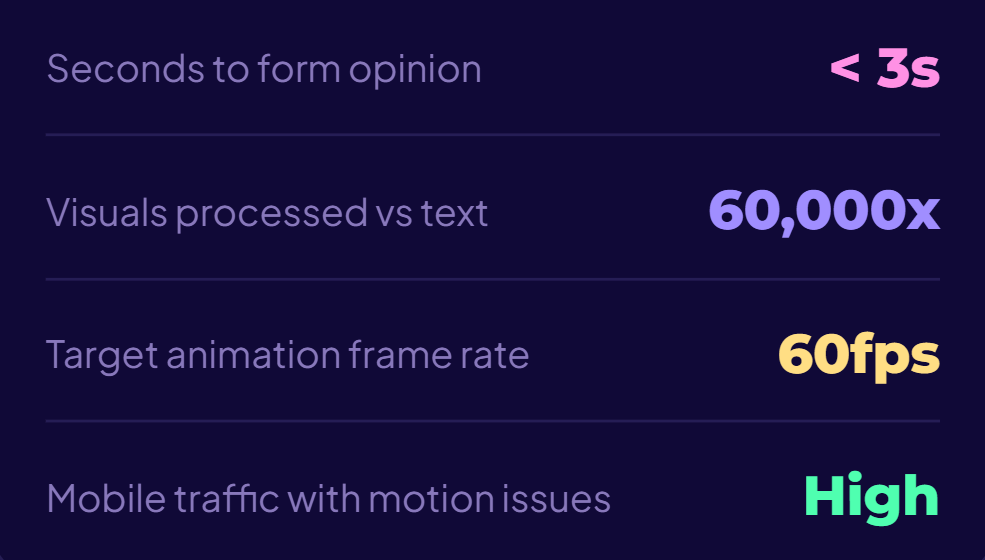
In today’s hyper-competitive digital environment, attention is the scarcest resource. Research consistently shows that users form an opinion about a website in under three seconds. That window determines whether they stay, scroll, or bounce.
The 3-Second Reality
In today’s hyper-competitive digital environment, attention is the scarcest resource. Research consistently shows that users form an opinion about a website in under three seconds. That window determines whether they stay, scroll, or bounce. Modern web design is no longer just about aesthetics or usability, it’s about experience orchestration. This is where Motion UX and immersive web design come in.
Motion UX (User Experience driven by animation and interaction) and immersive design (deep, engaging, often multi-sensory experiences) are reshaping how websites communicate, persuade, and convert. Combined with the performance capabilities of browsers like Google Chrome, these techniques are becoming not only possible but expected.
What is Motion UX?
Motion UX refers to the intentional use of animation, transitions, and dynamic elements to guide user behavior and enhance usability. Unlike decorative animation, Motion UX is functional; it communicates hierarchy, provides feedback, and reduces cognitive load.
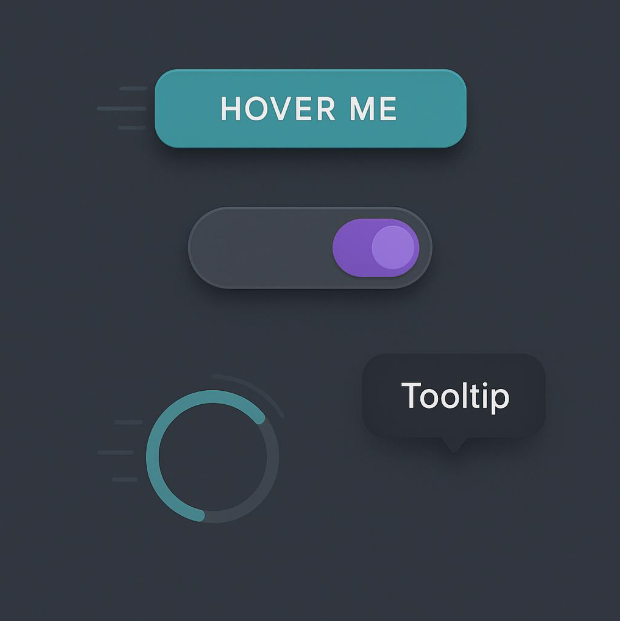
Micro-interactions
Small animations triggered by user actions (e.g., button hover effects)
Transitions
Smooth state changes that help users understand navigation flow
Loading animations
Keeping users engaged during wait times
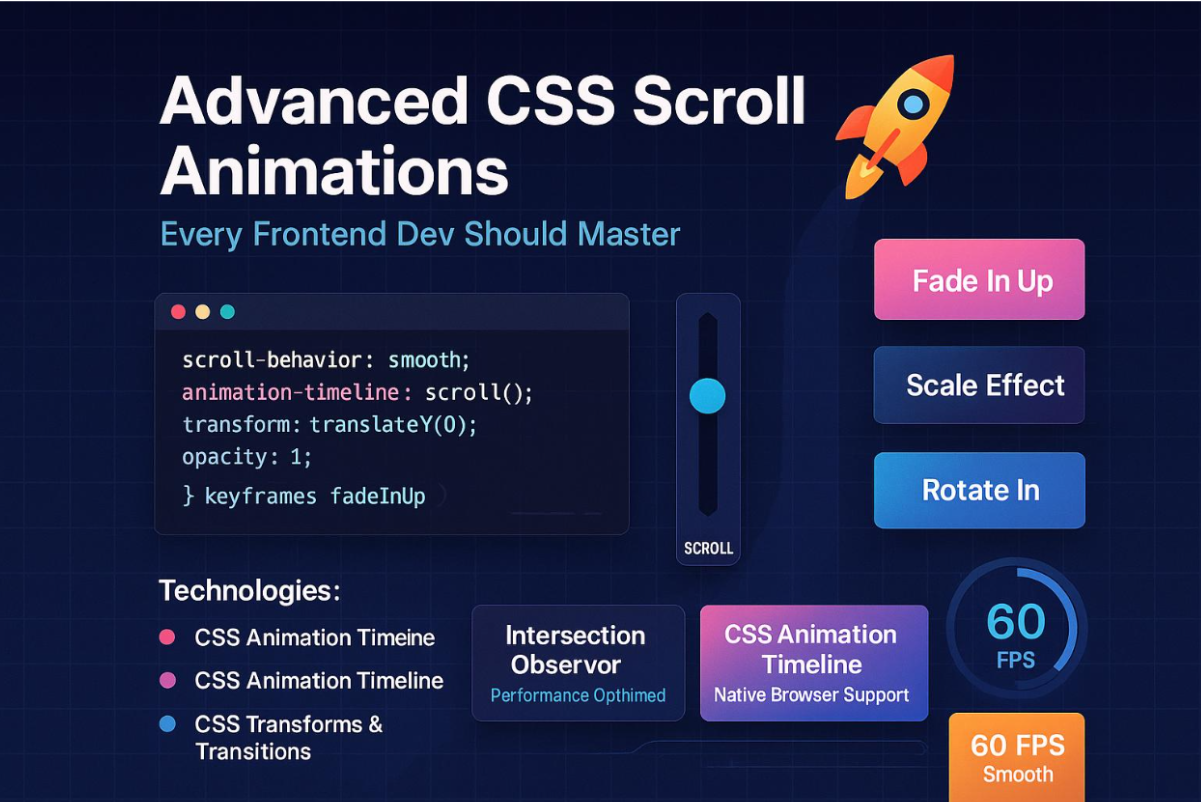
Scroll-based animations
Content reveals tied to scrolling behavior
The human brain processes visuals 60,000 times faster than text. Motion adds a temporal dimension that helps users understand cause and effect.
For example, a button that subtly animates when clicked reassures users that their action has been registered.
Immersive Web Design: Beyond Static Screens
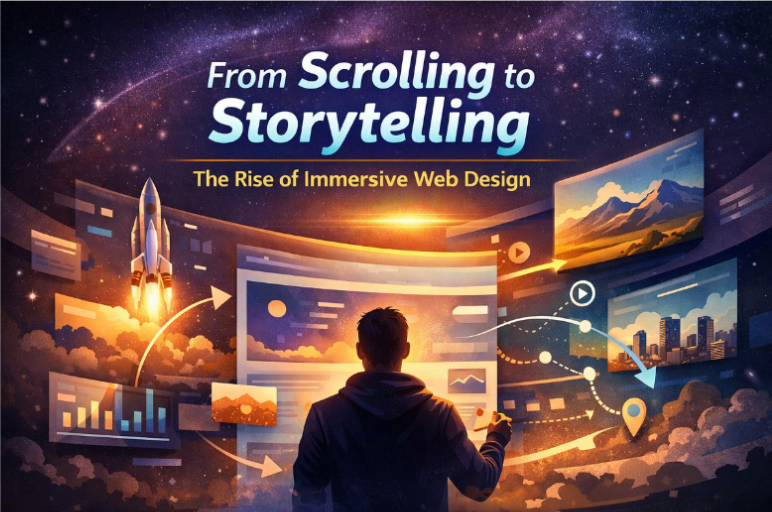
Immersive web design goes a step further. It creates environments rather than pages leveraging depth, interactivity, and storytelling to draw users in.
Immersion is about emotional engagement. It transforms passive browsing into active exploration.
3D visuals and parallax effects
Interactive storytelling (scrollytelling)
Audio-visual integration
Full-screen experiences
Virtual or augmented reality elements
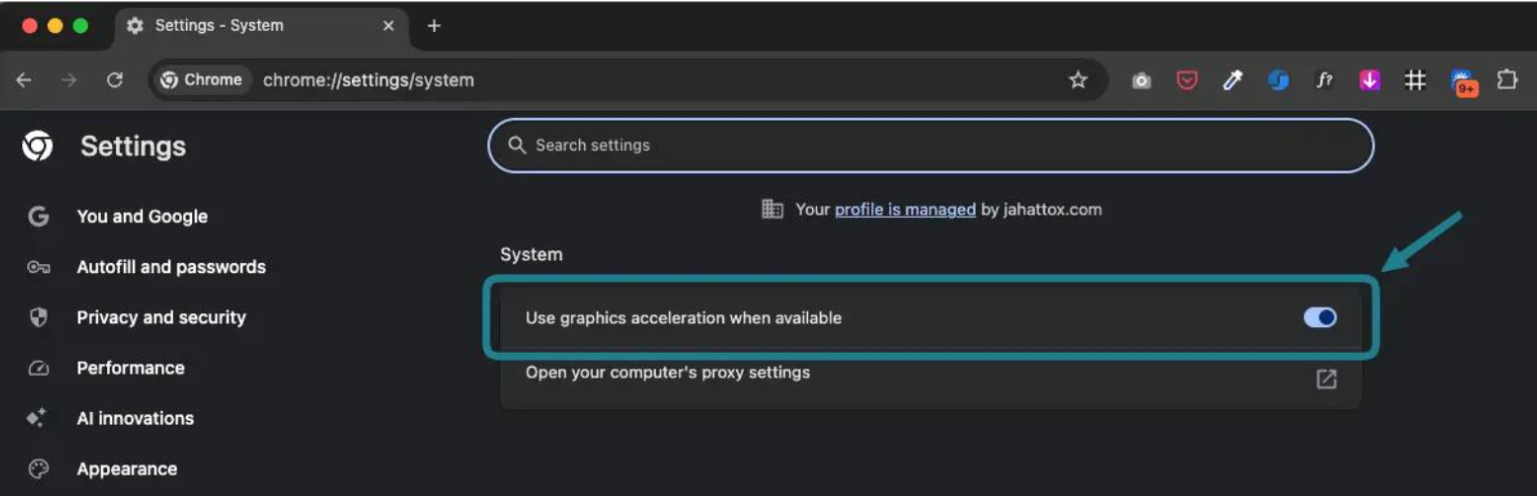
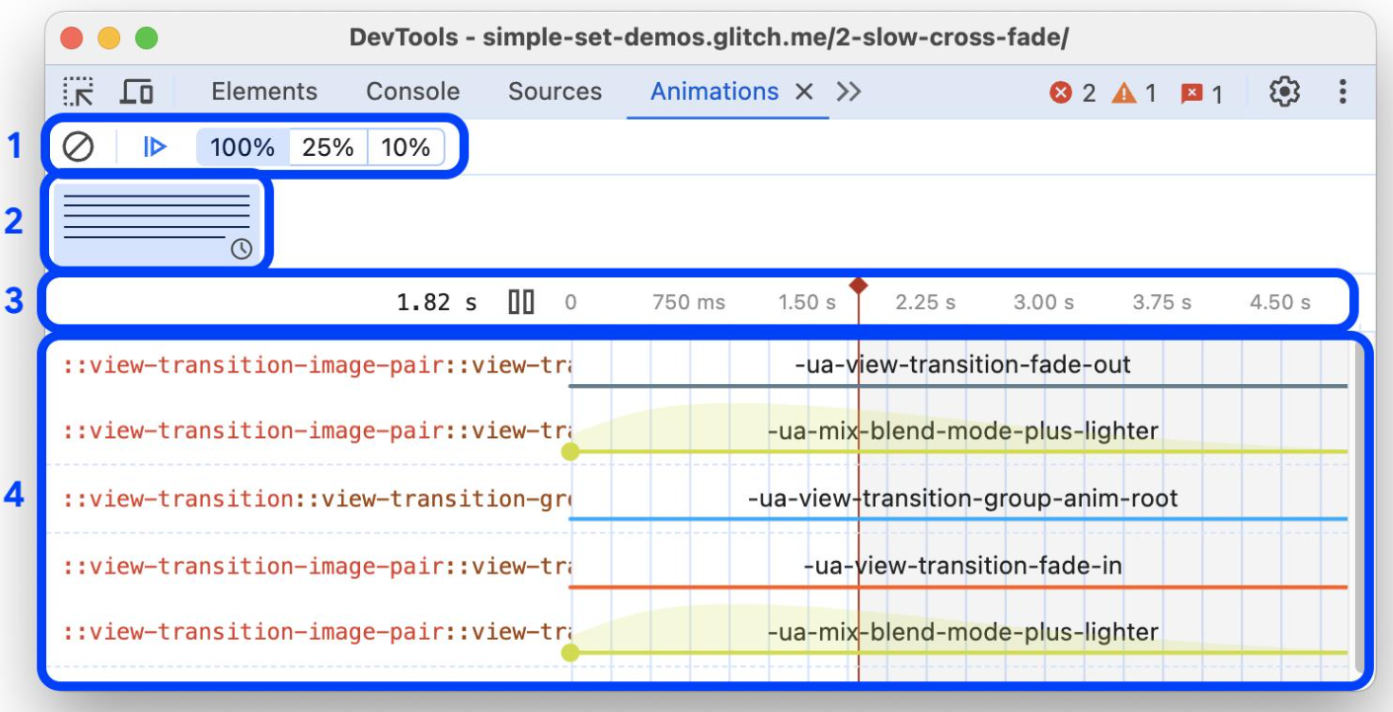
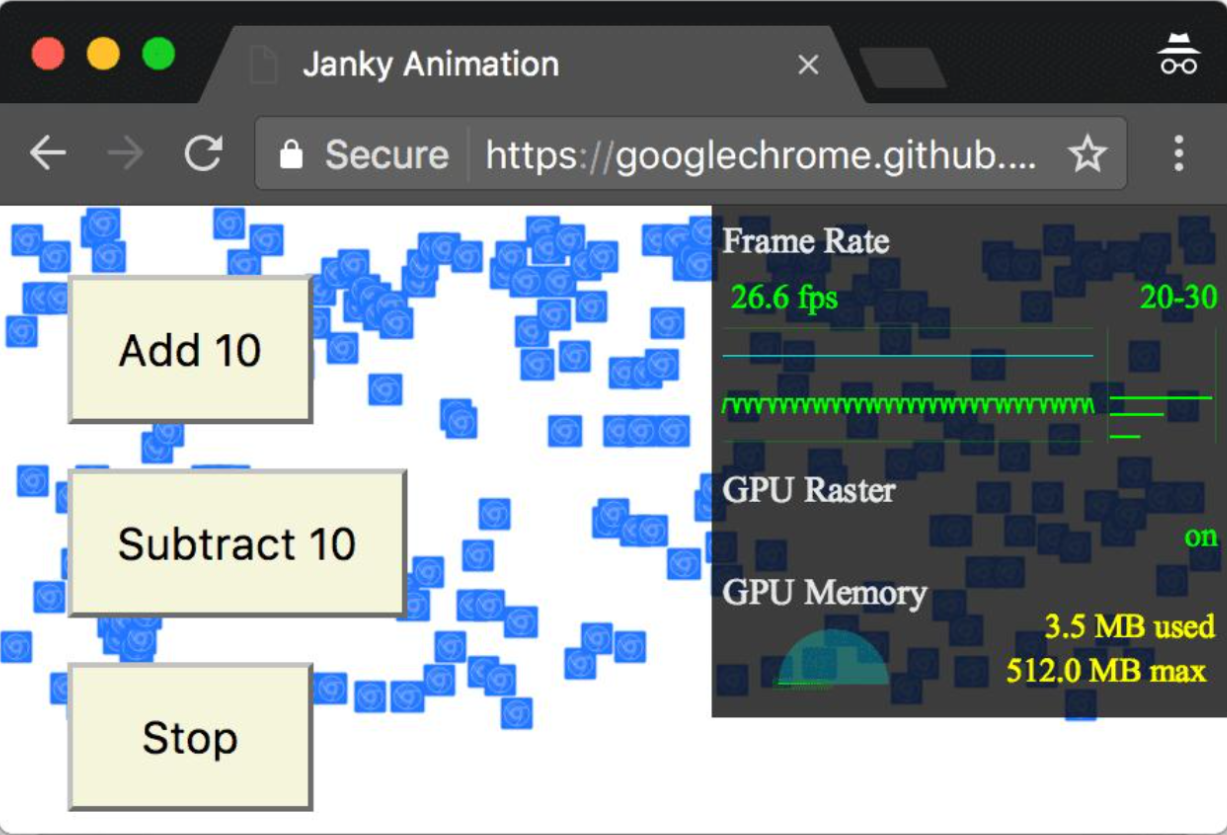
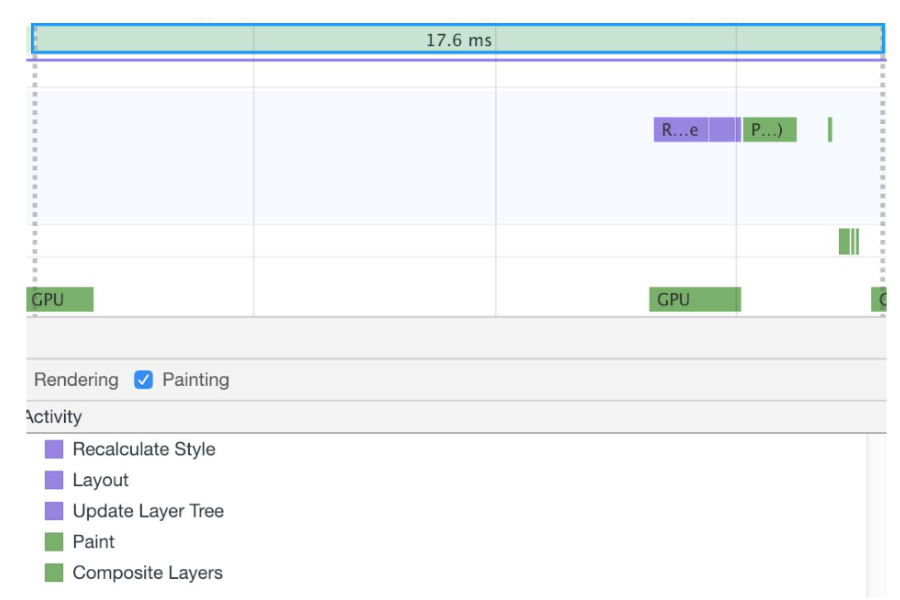
The Role of Google Chrome in Enabling Motion UX
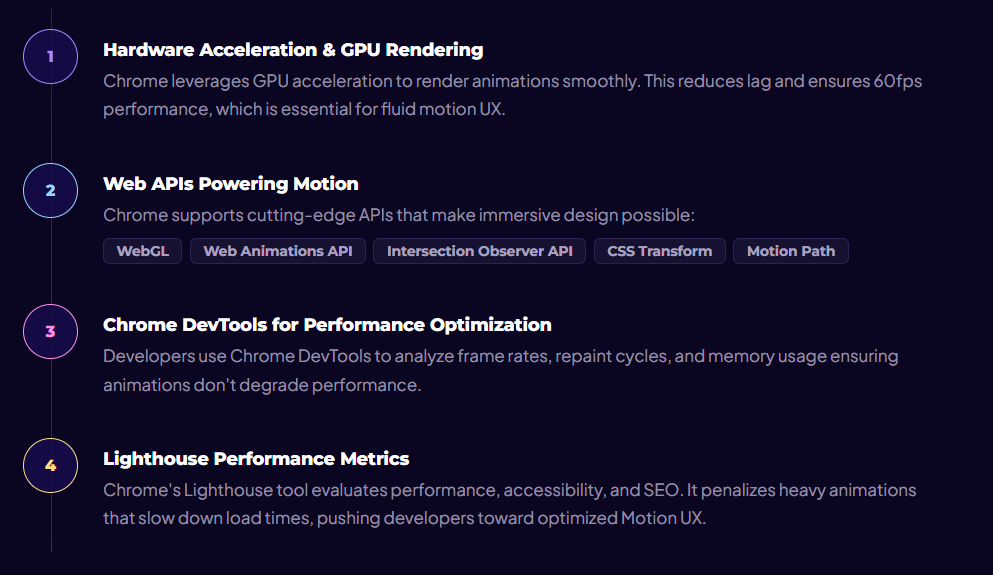
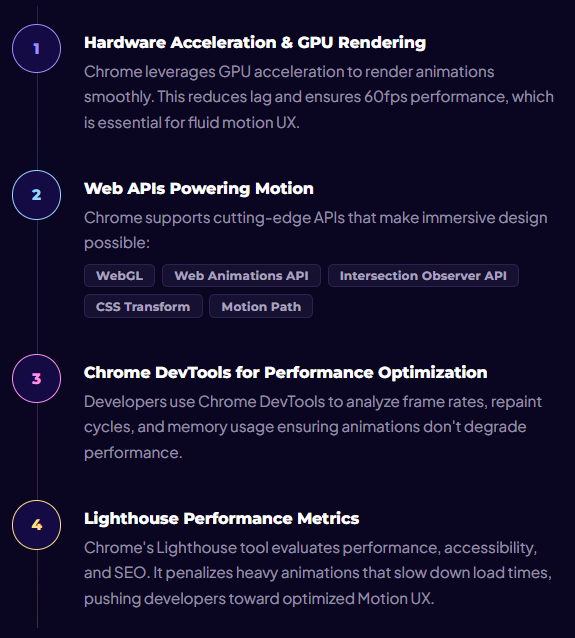
Modern browsers, especially Google Chrome play a critical role in enabling these advanced experiences.

The Psychology of Attention: Why 3 Seconds Matter
Capturing attention quickly is rooted in cognitive psychology:
Primacy Effect
First impressions strongly influence perception
Cognitive Fluency
Smooth interactions feel easier and more trustworthy
Dopamine Loops
Subtle animations create micro-rewards that keep users engaged
Motion UX taps into these principles by providing instant feedback and visual delight. A well-animated interface feels alive, responsive, and intuitive.
Real-World Applications
1. SaaS Landing Pages
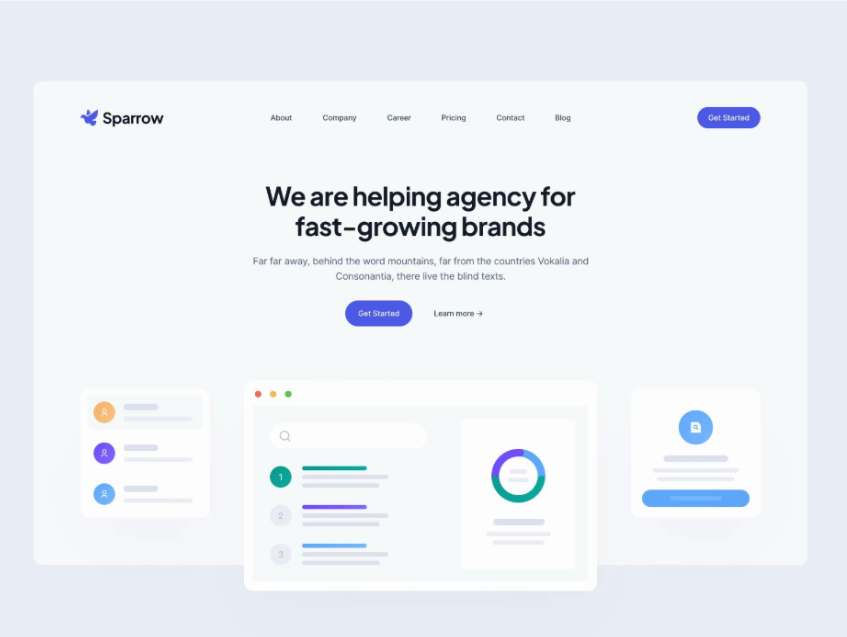
Animated hero sections guide users toward CTAs. Subtle motion highlights key features without overwhelming.
2. E-commerce Platforms
Product zoom, hover animations, and 360° views improve engagement and conversion rates.
3. Media & Storytelling Websites
Scrollytelling combines narrative with motion to keep users engaged across long-form content.
4. Portfolio Websites
Designers and developers use immersive elements to showcase creativity and technical skill.
Benefits of Motion UX & Immersive Design
1. Increased Engagement
Motion draws attention and encourages interaction, reducing bounce rates.
2. Better Usability
Animations guide users, making interfaces easier to navigate.
3. Higher Conversion Rates
Clear visual cues and engaging experiences lead to more clicks and sign-ups.
4. Stronger Brand Identity
Unique motion styles create memorable digital experiences.
The Risks: When Motion Goes Wrong
Despite its advantages, Motion UX can backfire if poorly implemented.
1. Performance Issues
Heavy animations can slow down websites, especially on low-end devices.
2. Cognitive Overload
Too many moving elements can confuse users rather than guide them.
3. Accessibility Concerns
Users with motion sensitivity may experience discomfort. Designers must include reduced-motion options.
4. SEO Impact
Search engines prioritize fast-loading websites. Poorly optimized motion can hurt rankings even in Chrome's Lighthouse audits.
Best Practices for Modern Motion UX
Prioritize Performance.
Use CSS animations instead of JavaScript when possible. Optimize assets and minimize repaint cycles.
Design with Purpose.
Every animation should serve a function, guiding, informing, or delighting.
Keep It Subtle.
Micro-interactions often outperform large, distracting animations.
Test Across Devices.
Ensure smooth performance on mobile, tablet, and desktop.
Respect Accessibility.
Implement "prefers-reduced-motion". Avoid flashing or excessive movement.
Emerging Trends in Motion UX
AI-Driven Personalization
Animations adapt based on user behavior and preferences.
Web-Based 3D & Spatial Design
With WebGL and frameworks like Three.js, immersive 3D experiences are becoming mainstream.
Gesture-Based Interfaces
Touch and motion gestures are replacing traditional clicks.
Mixed Reality on the Web
AR/VR experiences are slowly integrating into standard websites.
Is Motion UX Overhyped?
While Motion UX is powerful, it is not a universal solution. Many websites overuse animation, prioritizing visual appeal over usability. The key issue is intent. Motion should enhance clarity not distract from it.
Balanced Analysis
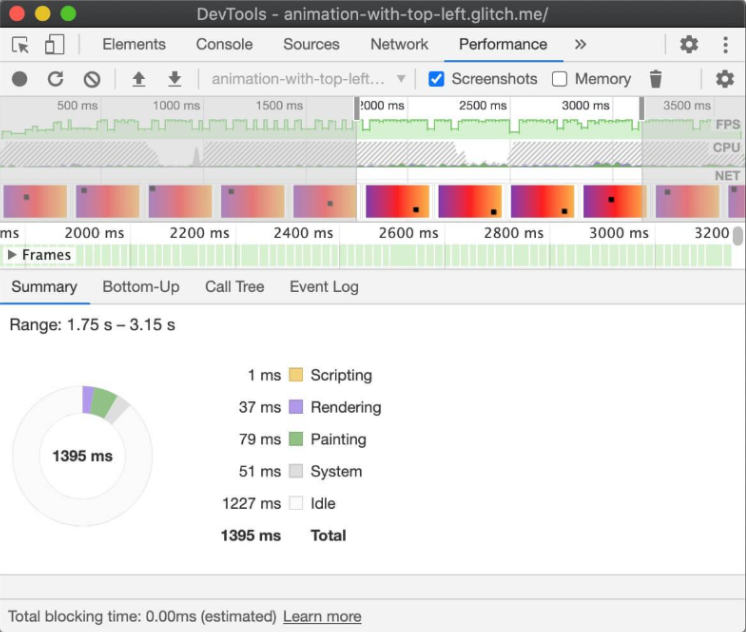
Chrome's ecosystem highlights this balance. While it enables high-performance animation, its Lighthouse scoring system penalizes misuse. This creates a paradox: designers are empowered to create immersive experiences but are also constrained by performance metrics.
Another challenge is accessibility. Not all users experience motion the same way. Inclusive design requires careful consideration of diverse user needs, something often overlooked in trend-driven design.
Finally, there's the question of diminishing returns. As more websites adopt motion, it may lose its novelty. What captures attention today could become baseline tomorrow.
3 Key Reports on Motion UX Evolution
Here are three recent, highly relevant articles detailing how Motion UX and immersive web design trends are evolving to hook user attention within that critical 3-second window:
1. Functional Animation: Micro-Interactions as the Secret to User Retention
2. The Rise of Scroll Storytelling and Kinetic Typography
3. The Psychology of Movement: Why Motion Metrics Move the Needle
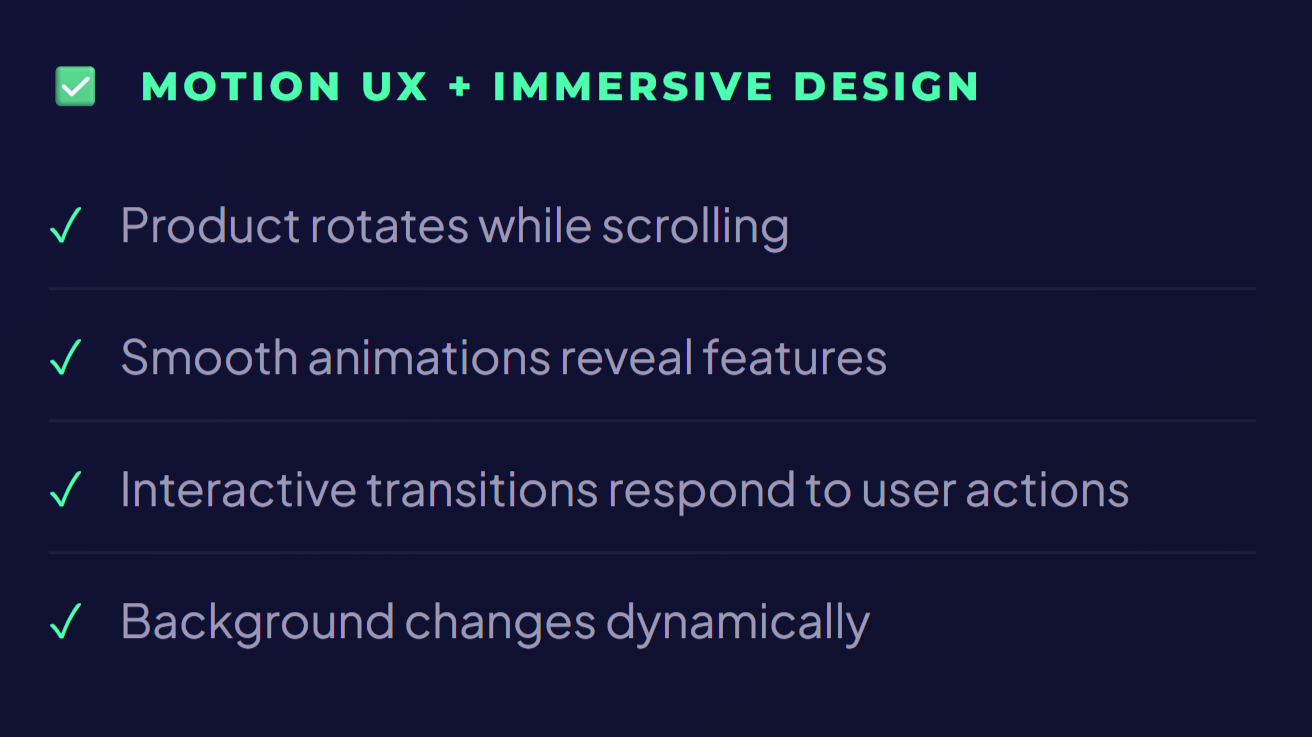
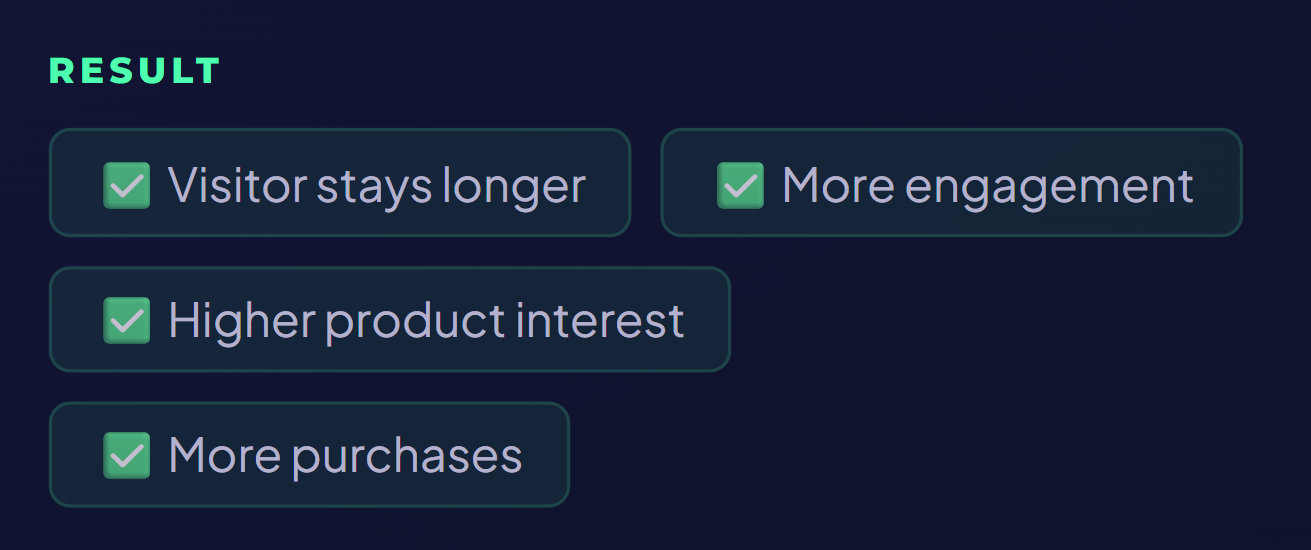
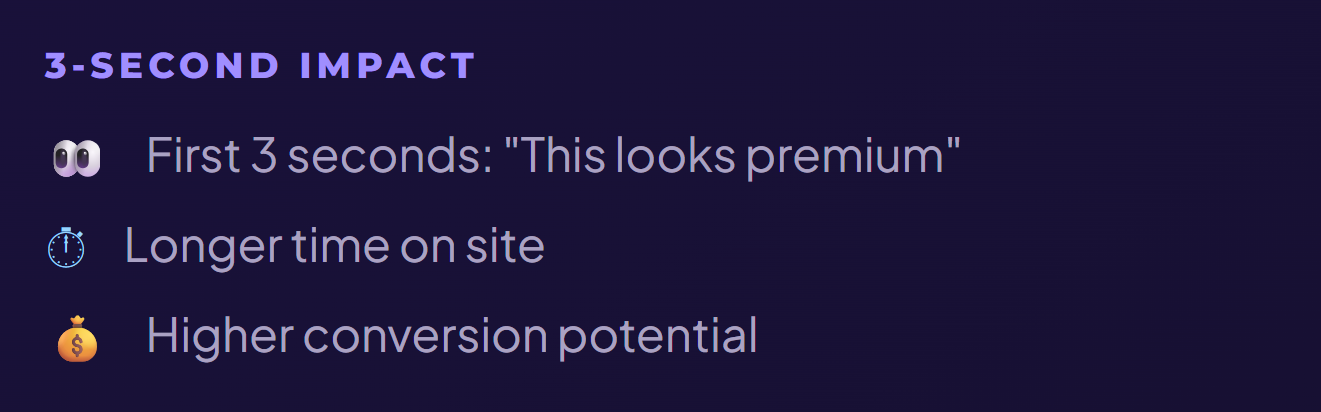
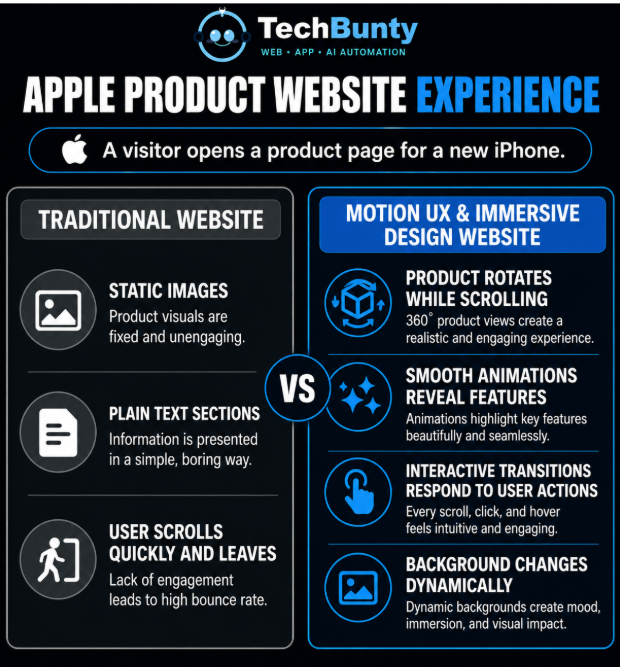
Example: Apple Product Website Experience
A short real-life example:
Apple Product Website Experience
A visitor opens a product page for a new iPhone.
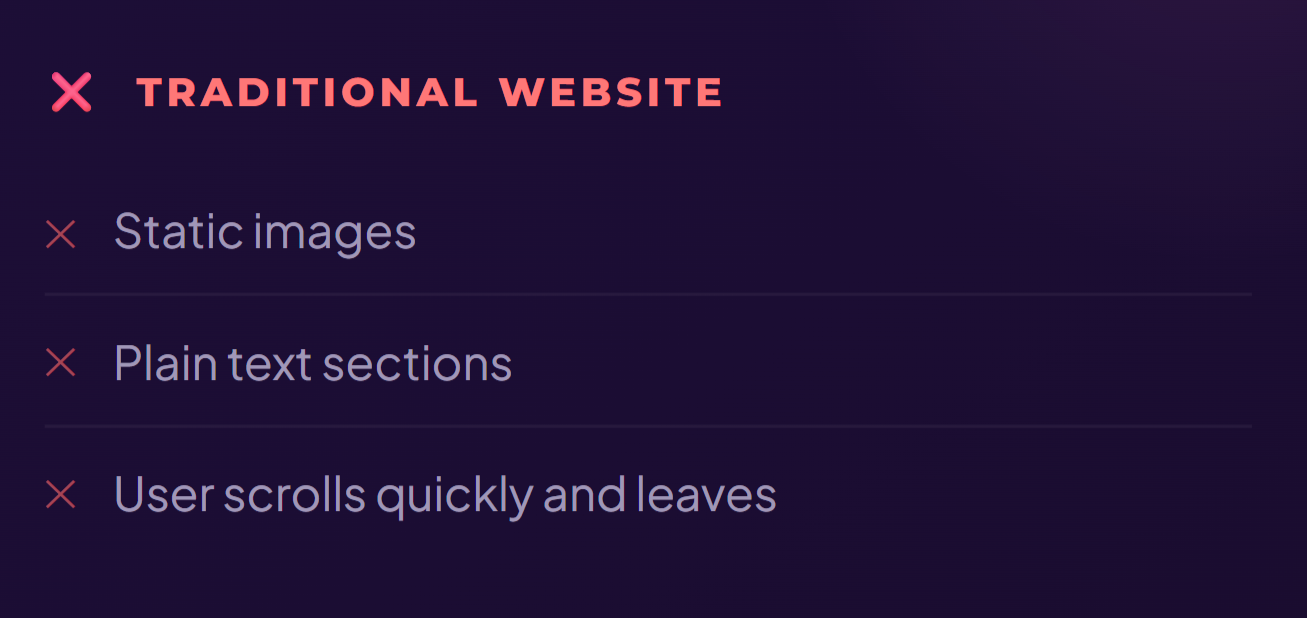
Short infographic version:




Key Points
Motion UX and immersive web design have become essential for capturing user attention within seconds. When used effectively especially with the performance support of Google Chrome they create fast, engaging, and intuitive experiences that guide users and drive results.
Focus on purposeful motion
Not excessive animation, every movement must serve a function.
Ensure fast performance
Smooth interactions are only possible with optimized code and assets.
Use motion to guide behavior
Direct users toward actions that matter, CTAs, scroll, explore.
Maintain accessibility
Respect user comfort and implement reduced-motion preferences.
Balance creativity with function
Better conversions come from clarity, not complexity.
Designing for Attention, Not Just Aesthetics
Motion UX and immersive web design are redefining how websites compete for attention. In a world where users decide within seconds, static design is no longer enough. However, the goal is not to impress, it’s to communicate effectively and intuitively.
Table of Contents
ToggleKey Stats
Win Visitors in 3 Seconds
With TechBunty, create fast, immersive, motion-driven websites that engage, impress, and convert.
Latest Post
- All Posts
- AI
- AI Agents
- AI Automation
- Anthropic
- App Development
- Cybersecurity
- LLMs
- Physical Ai
- Web Development